
Charlie Cobbinah’s site is one project, but the lessons from it are reusable. The case study is where the project story sits. This post is about the parts we would carry into the next academic site we build.
Start with the writing
Academic websites often get treated like personal brands first and reading environments second. That is usually the wrong order.
Charlie pointed us to Cody Kommers’ site as a reference, and that helped settle the direction quickly. The writing had to carry the site. Once that became clear, a lot of other decisions became easier: quieter colour palette, serif-led typography, a persistent reading layout, and no need for decorative homepage tricks.
The useful question was not “what makes this feel modern?” It was “what helps this work read clearly and feel trustworthy?”
Prototype before you model
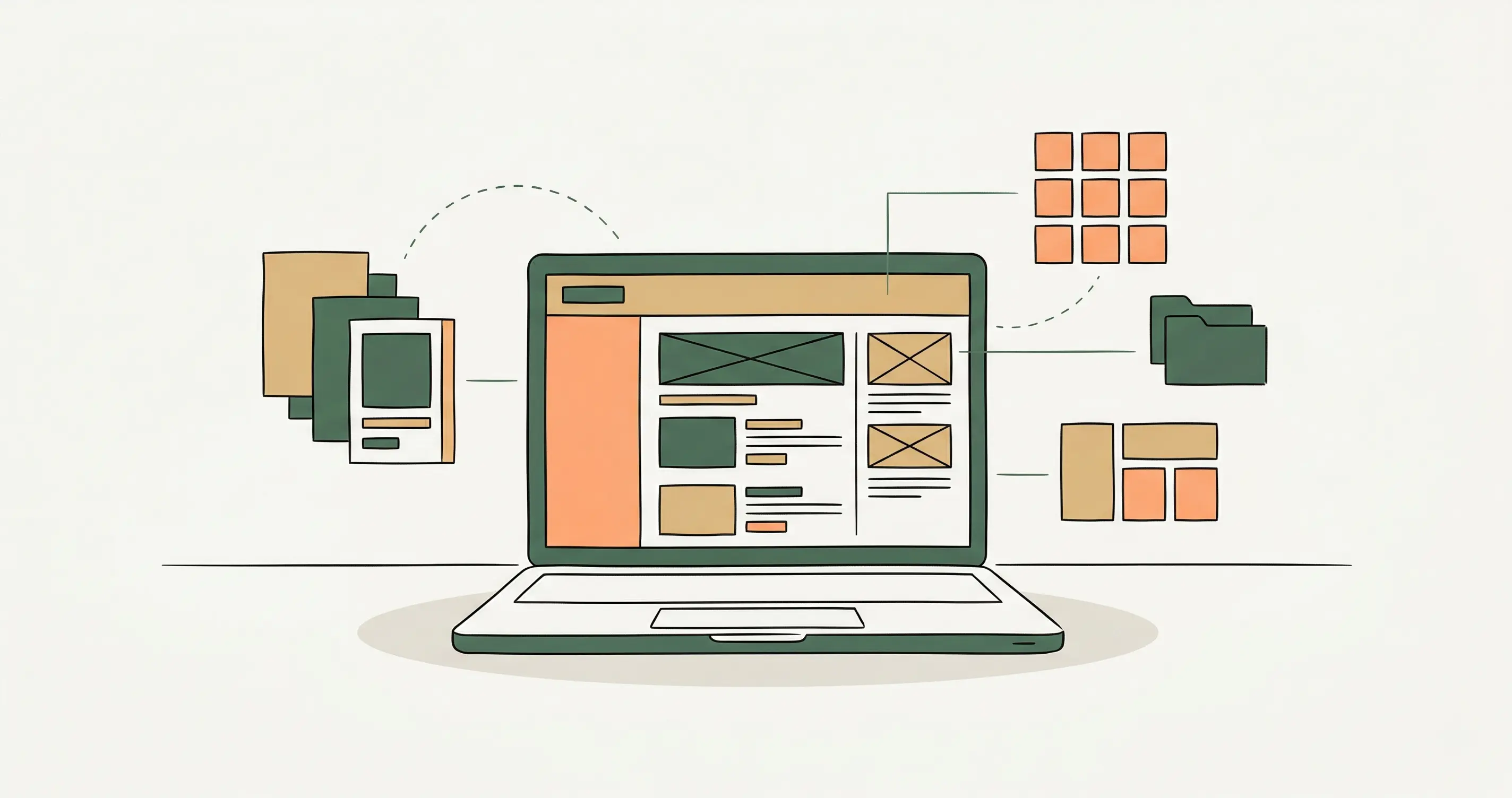
Before writing Astro, we built every page as standalone HTML. Home, research, publications, speaking, writing, about, contact, legal pages, all of it.
That separated design decisions from architecture decisions. We could settle hierarchy, rhythm, and page flow before worrying about how the content would be stored.
It also surfaced translation problems early. Static examples had to become collections and singletons. What looked like a sidebar in HTML became a layout slot in Astro. The publications page would have duplicated a section if we had ported it too literally. The About page also ended up needing a narrower single-column treatment than the wider shell suggested at first.
HTML-first prototyping is not always necessary, but for content-heavy projects like this, it helps you find structural problems before they harden into the codebase.
The CMS is part of the build
Getting Tina CMS technically working was only half the job. The other half was making it clear enough for Charlie to use without friction.
That meant treating About and Research as true singletons instead of forcing them into collection patterns. It meant adding field descriptions, labelling repeatable list items in a way a human can scan, and using media fields where editors would otherwise have to type file paths by hand.
A CMS that is technically functional but awkward to edit is not finished.
One of the best outcomes from the project is that Charlie can now publish and update the site himself. That should be part of the definition of done, not an optional extra at the end.
Keep the stack light
The final setup was Astro, Tina CMS, Cloudflare Pages, Umami, and Formspree. No backend. No database. No server. For a site built around research, publications, and writing, that was enough.
A lighter stack helped in two ways. It kept the site fast, and it reduced the number of things that could go wrong in handoff. The publishing flow stayed simple and predictable, which mattered as much as the performance gains.
The publishing flow stayed simple enough to hand over with confidence.
We also looked at Decap CMS, but Tina’s visual editor and stronger content modeling made it the better fit for this project.
Expect the seams between tools
The messiest parts of the project were not visual. They showed up where Tina, Astro, local development, and deployment had to agree with each other.
Tina’s local setup needed more care than expected, the wrapper scripts needed tightening, schema state had to be regenerated as the content model evolved, and deployment exposed an environment mismatch that local development had not surfaced. None of this changed the direction of the site, but it did shape how we hardened the final workflow.
None of those problems were especially dramatic on their own. Together, they reinforced a simpler rule: the real work is often in the seams between tools, not inside the headline tool choice itself.
Metadata is part of the structure
Charlie asked about search visibility after launch, but the right time to think about metadata was before that. So we treated the SEO layer as part of the site’s actual structure.
That meant building a proper metadata shell in the layout, generating structured data by page type, and making sure crawl surfaces such as robots.txt, sitemap.xml, and llms.txt were generated consistently. For an academic site, that matters not only for search engines, but for how the work appears in AI-assisted discovery and citation workflows.
We also had to correct the schema as we went. The research page’s ResearchProject node had to be simplified so unsupported properties moved back to the WebPage node. On the speaking page, we removed an invalid EventCompleted status and let the event dates do the work.
The point was not to make the schema look elaborate. It was to make it more correct.
What we would repeat
- Use prototypes to settle content structure before the framework gets in the way
- Design the site around the reading experience, not around homepage effects
- Treat the CMS and handoff as part of the product, not as cleanup
- Keep the stack lighter than your first instinct
- Handle metadata and crawl surfaces as part of the build itself
The site is live at charliecobbinah.com.