WordPress 7.0 shipped May 20. It is codenamed Armstrong. It is the most significant WordPress release in years, and we have been sitting with it for a couple of weeks. Here is what we think.
The big one: AI in core
WordPress now ships with AI infrastructure in core. No plugin. No third-party service.
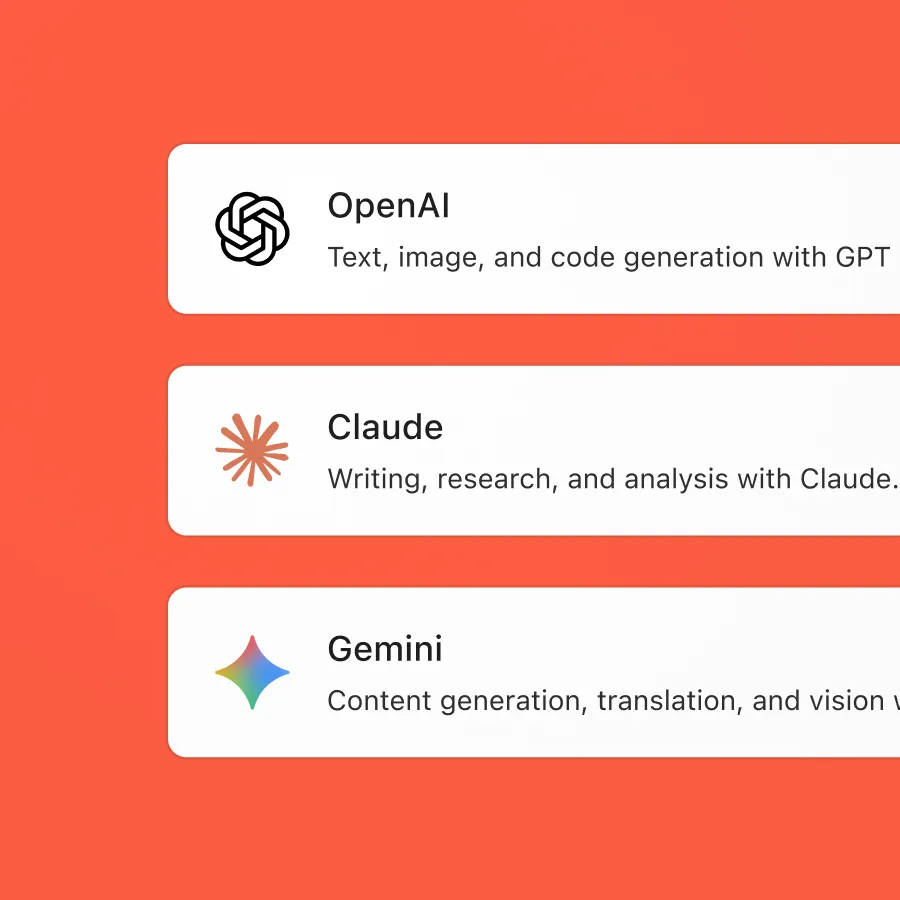
Rather than tie itself to one provider, WordPress built a provider-agnostic PHP library called the WP AI Client. It standardises how WordPress talks to AI models. OpenAI, Anthropic, Google. Plugins use one interface. Switching providers is a config change.
There is a new Connectors screen under Settings where you plug in API keys. Three built-in connectors ship with core: OpenAI, Anthropic (Claude), and Google (Gemini). Community connectors exist for OpenRouter, Ollama, and Mistral.
What can the AI actually do? Right now: generate and edit images, create titles and summaries, write alt text. Accessible through a command palette. It is a starting point. The Abilities API, first introduced in PHP in 6.9, now has a JavaScript counterpart, so AI features work on the client side too.
One detail we did not expect: an MCP adapter. It bridges WordPress to the Model Context Protocol, which means external AI agents (Claude Code, Claude Desktop, Cursor, VS Code) can interact with a WordPress site directly. This is niche and significant. It means a developer can ask Claude Code to manage their WordPress site and it will just work.
The admin finally looks modern
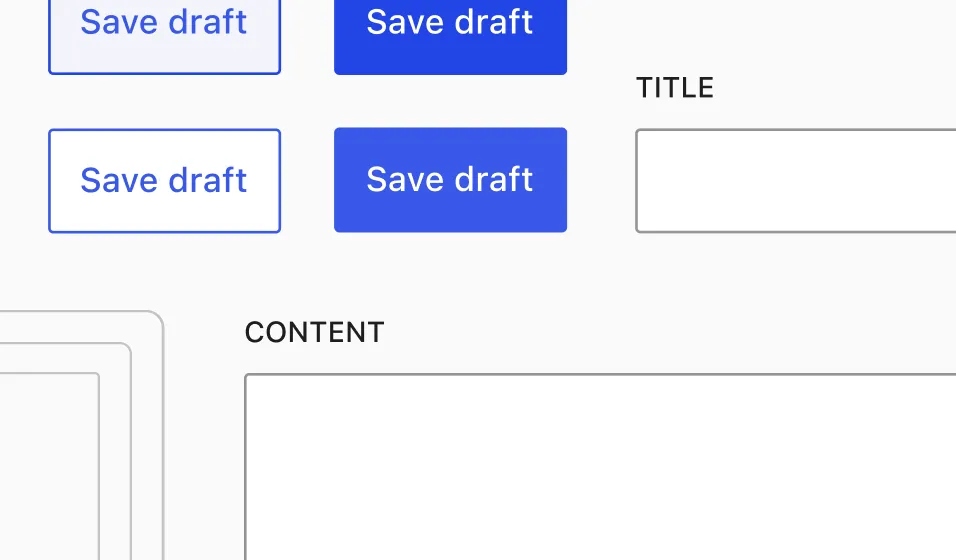
Our first reaction after updating one of our sites: “what is all this blue?” The new Modern colour scheme is saturated. Bolder. It hits you. We went looking for a way to change it back.
You can. Under Users → Profile, the classic schemes (Fresh, Coffee, Ectoplasm, Midnight, Ocean, Sunrise) are still there. We switched back. Then we switched to Modern again. It grows on you.
Beyond the palette, the admin got a real refresh. New colour scheme. Higher contrast. Updated typography. It looks current.
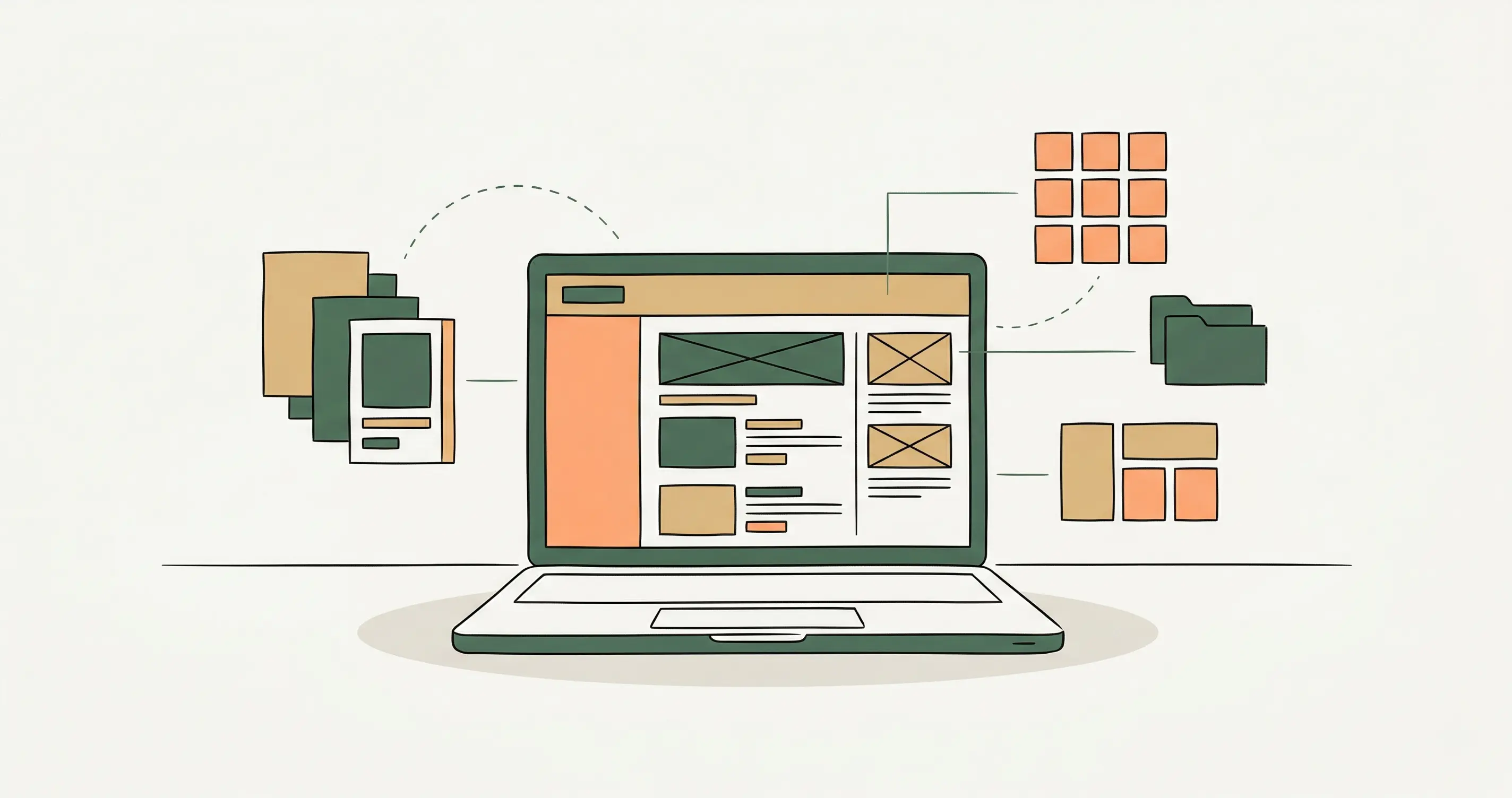
There is a command palette now. Cmd+K brings it up. Search actions, jump to screens, run AI commands. The posts, pages, and media list screens have been rebuilt on DataViews, React-based tables that replace the old WP_List_Table system. Smooth page transitions using the View Transitions API. These are quality-of-life improvements.
The design tools are catching up
Block-level custom CSS. You can now apply CSS to individual blocks without touching the theme. This was one reason we, and plenty of other developers, stuck with the classic editor long after Gutenberg arrived.
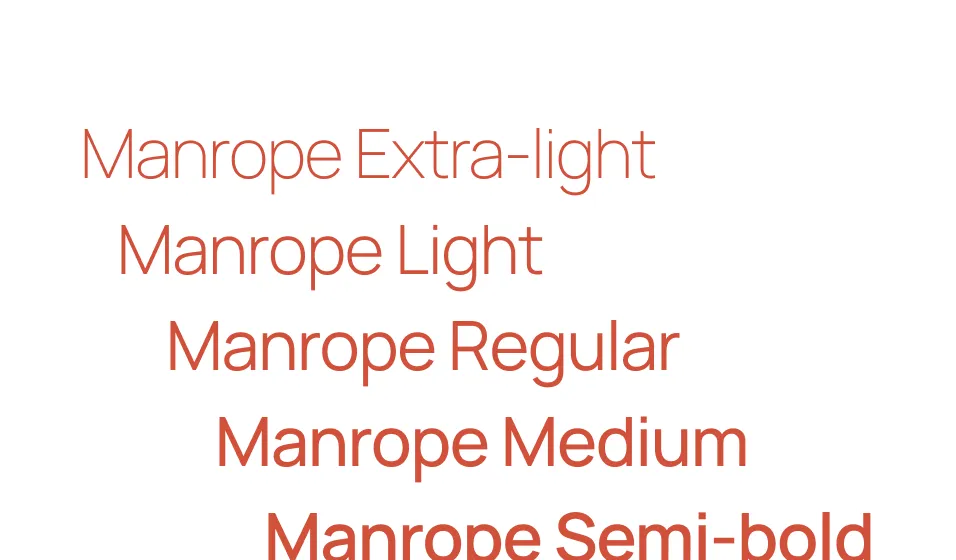
Font Library. A central page for uploading, installing, and managing fonts across themes. No more wrestling with @font-face in a child theme or relying on a plugin.
Pseudo-state styling through theme.json. Style button :hover, :focus, and :active states without custom CSS. Combines with background gradient and image layering in editor controls. Text indentation, text columns, dimension presets, aspect ratios: all now native.
New blocks: Breadcrumbs (schema-ready), Icons (88 preloaded, accessible markup), Tabs, Grid. Gallery got lightbox support with keyboard navigation. Cover blocks can now use YouTube video backgrounds with auto-looping.
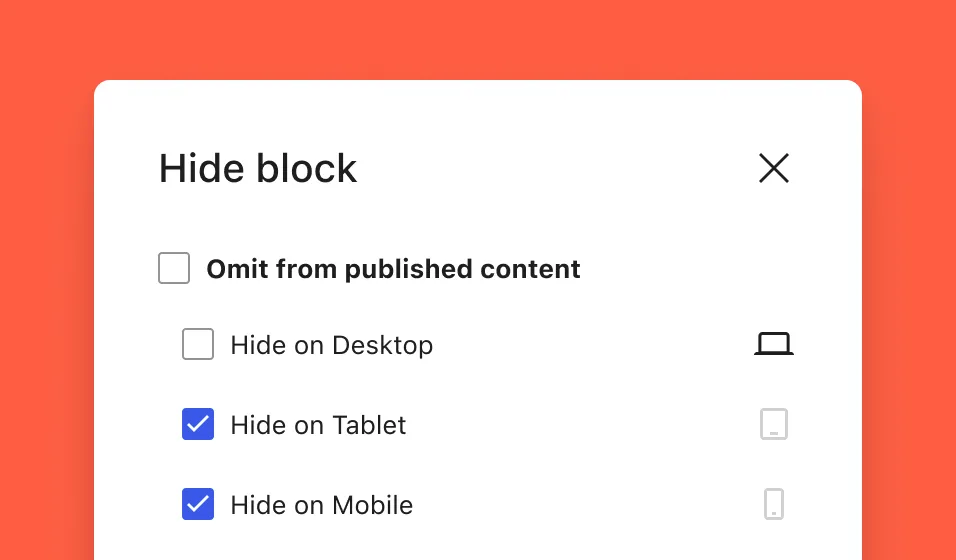
Device-based block visibility lets you show or hide blocks per screen size. Mobile, tablet, desktop. Controlled via CSS rather than DOM removal, so the block is still there — just hidden.
None of these are revolutionary individually. Together they replace a dozen plugins.
Visual revisions are genuinely useful
You can now compare two versions of a post side by side with a slider. Green for additions, red for deletions, yellow for modified settings. A document inspector shows what changed and lets you jump to specific edits. Revision management that makes sense.
What got pulled
Real-time collaboration was supposed to be the flagship feature of 7.0. It was removed on May 8, twelve days before launch. The official reason was performance issues requiring a deeper architectural fix. They need a dedicated database table for Yjs CRDT sync data, and it was not ready.
Block-level Notes (threaded comments on blocks) remains as the primary collaboration tool for now. RTC will land in a future release. 7.1 is expected in August.
What this means
WordPress 7.0 is a foundational release. It modernises the admin, bakes AI into core in a provider-agnostic way, and gives creators significantly more native design control. The things that previously justified a dozen plugins (breadcrumbs, icons, tabs, font management, block visibility by device) are now core features.
The AI approach is worth watching. Most platforms will pick a provider and build around it. WordPress built an abstraction layer and let the user choose. That is how open source software should handle AI.
If 7.1 delivers real-time collaboration and 7.2 keeps the momentum, WordPress is in a good place.